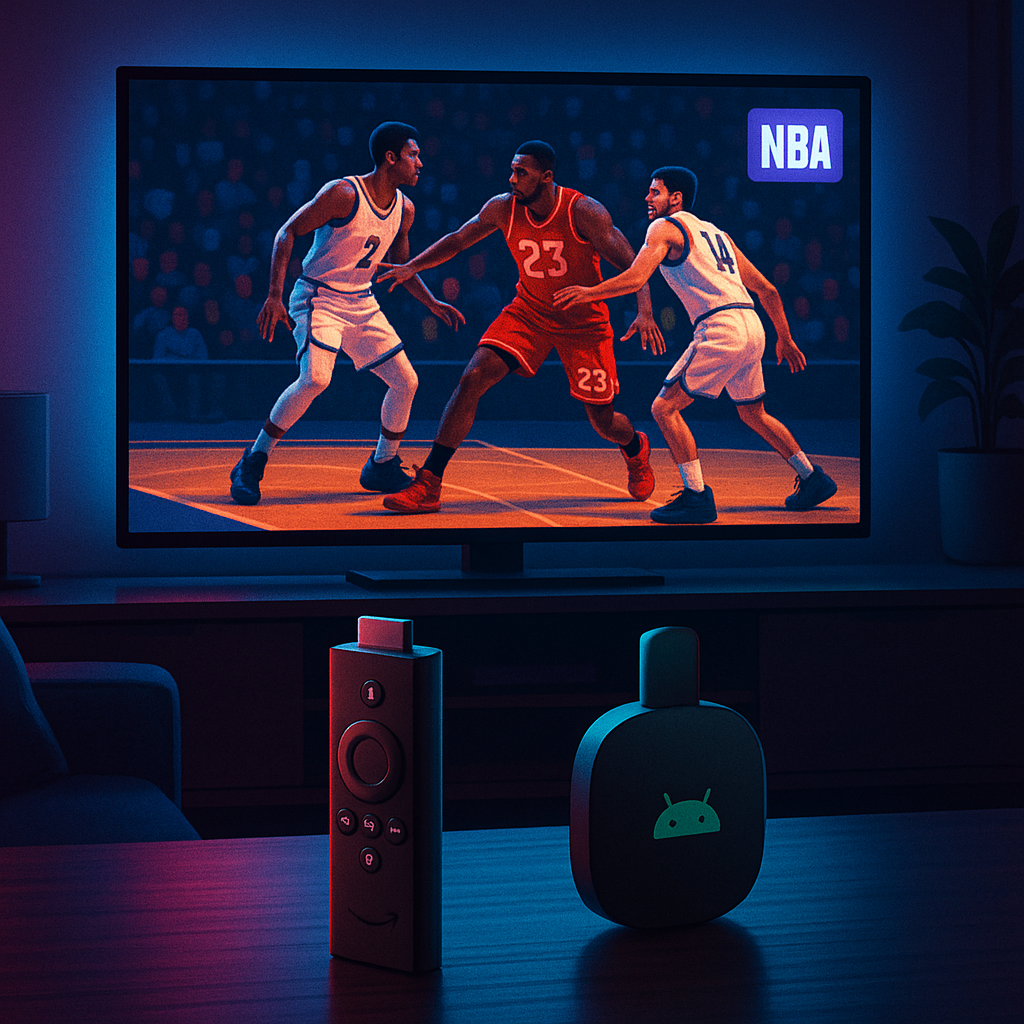
For fans eager to catch every slam dunk and buzzer-beater this NBA season, streaming on devices like Amazon Firestick, Fire TV, and Android TV remains a top choice. But with recent shifts in broadcasting rights, app availability, and streaming policies, knowing how to watch NBA games legally and smoothly in 2026 is more important than ever.
Key Takeaways
- NBA streaming options have evolved with new app partnerships and blackout policies.
- Firestick and Android TV users must update apps and check subscriptions to avoid disruptions.
- Legal streaming platforms remain the safest and highest quality sources for NBA games.
- Using a reputable VPN can enhance privacy and security but won’t bypass official restrictions.
- Staying informed about streaming changes ensures uninterrupted NBA access on your preferred devices.
What Has Changed in NBA Streaming for 2026?
The NBA’s broadcast landscape is shifting as new streaming deals come into effect and existing platforms redefine their access and app availability. In particular, traditional cable bundles are less dominant, with more viewers turning to direct-to-consumer streaming apps like NBA League Pass and regional sports networks’ apps.
For Firestick and Android TV users, this means that some apps may have updated interfaces, new subscription models, or altered blackout restrictions depending on your location. Additionally, some third-party apps that previously offered NBA content have been removed or restricted due to stricter enforcement of copyright policies.
These changes reflect a broader industry trend towards tighter control over sports content distribution to protect licensing agreements and ensure content creators are properly compensated.
What This Means for Firestick & Android TV Users
If you rely on Amazon Firestick or Android TV devices to stream NBA games, you’ll want to be proactive about app updates and subscription management. Here’s what you should know:
- Official NBA Apps Are Key: The NBA League Pass app remains the primary legal source for live games and replays. It’s available on Firestick and Android TV platforms but requires a subscription.
- Regional Blackouts Still Apply: Depending on your location and local broadcast rights, some games may be blacked out on streaming services. This is especially relevant in the US and UK markets.
- Streaming Service Changes: Platforms like ESPN, TNT, and ABC often carry NBA games. Their apps on Firestick and Android TV may require cable login credentials or standalone streaming subscriptions.
- Removal of Unofficial Apps: Crackdowns on apps offering unlicensed NBA streams mean users should avoid unofficial sources to stay within legal boundaries and protect device security.
Before vs After: Streaming NBA on Firestick
Before: Many users relied on a mix of cable subscriptions and third-party apps, sometimes encountering unreliable streams or legal risks.
After: The focus has shifted firmly to official apps and verified streaming services, improving stream quality and legality but requiring users to stay current with subscriptions and app versions.
What You Should Do Now
To ensure you don’t miss any NBA action on your Firestick or Android TV, follow these practical steps:
- Update Your Apps: Regularly check for updates to the NBA League Pass, ESPN, and other relevant streaming apps to benefit from the latest features and security patches.
- Verify Your Subscriptions: Confirm your NBA League Pass or cable streaming service subscriptions are active and compatible with your device.
- Check Regional Restrictions: Be aware of blackout rules in your area and consider legitimate alternatives if your preferred games are restricted.
- Secure Your Streaming Experience: Use a reputable VPN service to enhance your online privacy and encrypt your internet connection. While this won’t bypass blackout restrictions, it helps protect your data and ISP privacy.
- Use Official Sources Only: Avoid apps or websites offering free NBA streams that may pose security risks or violate copyright laws.
- Adjust Device Settings: Enable automatic updates on your Firestick or Android TV to ensure apps and system software remain current.
Enhancing Your NBA Streaming Experience
Beyond following the basics, consider these tips to get the most from NBA streaming on your devices:
- Invest in a fast, stable internet connection to reduce buffering and improve video quality.
- Use the Firestick’s or Android TV’s voice search to quickly find NBA games and highlights.
- Explore multi-device syncing options if you want to switch seamlessly between your TV and mobile devices.
- Take advantage of in-app features like live stats, multiple camera angles, and game replays.
Conclusion
Streaming NBA games on Amazon Firestick and Android TV in 2026 is straightforward if you stay informed about app changes, subscription requirements, and regional restrictions. By prioritising official apps, keeping your devices updated, and practising good online privacy habits, you can enjoy the thrill of NBA basketball without interruption or legal concerns.
Remember, while VPNs offer valuable privacy and security benefits, they don’t grant access to blocked or geographically restricted content. Always choose legitimate streaming options to support the sport and avoid potential issues.
Protect Your Streaming Privacy with IPVanish
We recommend IPVanish VPN for protecting your streaming and everyday online privacy.
IPVanish is one of the fastest and most trusted VPNs for Firestick, Android TV, and everyday browsing. It helps keep your online activity private, protects you on public Wi-Fi, and stops your ISP from seeing what apps and services you use. Use any VPN responsibly and within the law — it is a privacy and security tool, not a way to access illegal content.
Use VPNs responsibly and within the law. A VPN is for privacy and security, not for accessing illegal content or unlicensed streams.