Choosing between Android TV and Amazon Fire TV can be a daunting task for streaming enthusiasts in the UK and US, especially as both platforms continue to evolve rapidly. Whether you’re a Firestick user or an Android TV owner, understanding the latest changes and how they impact your streaming experience is crucial. This article breaks down the key differences, recent updates, and practical advice to help you get the most out of your device.
Key Takeaways
- Amazon Fire TV and Android TV offer distinct user experiences, app availability, and ecosystem integrations.
- Recent platform updates affect app compatibility and streaming performance on both devices.
- Understanding these changes helps users optimise their streaming setups legally and securely.
- Privacy and security remain paramount; using VPNs can enhance protection without breaching terms of service.
- Regular updates and proper settings management improve device longevity and streaming quality.
What Has Changed and Why It Matters
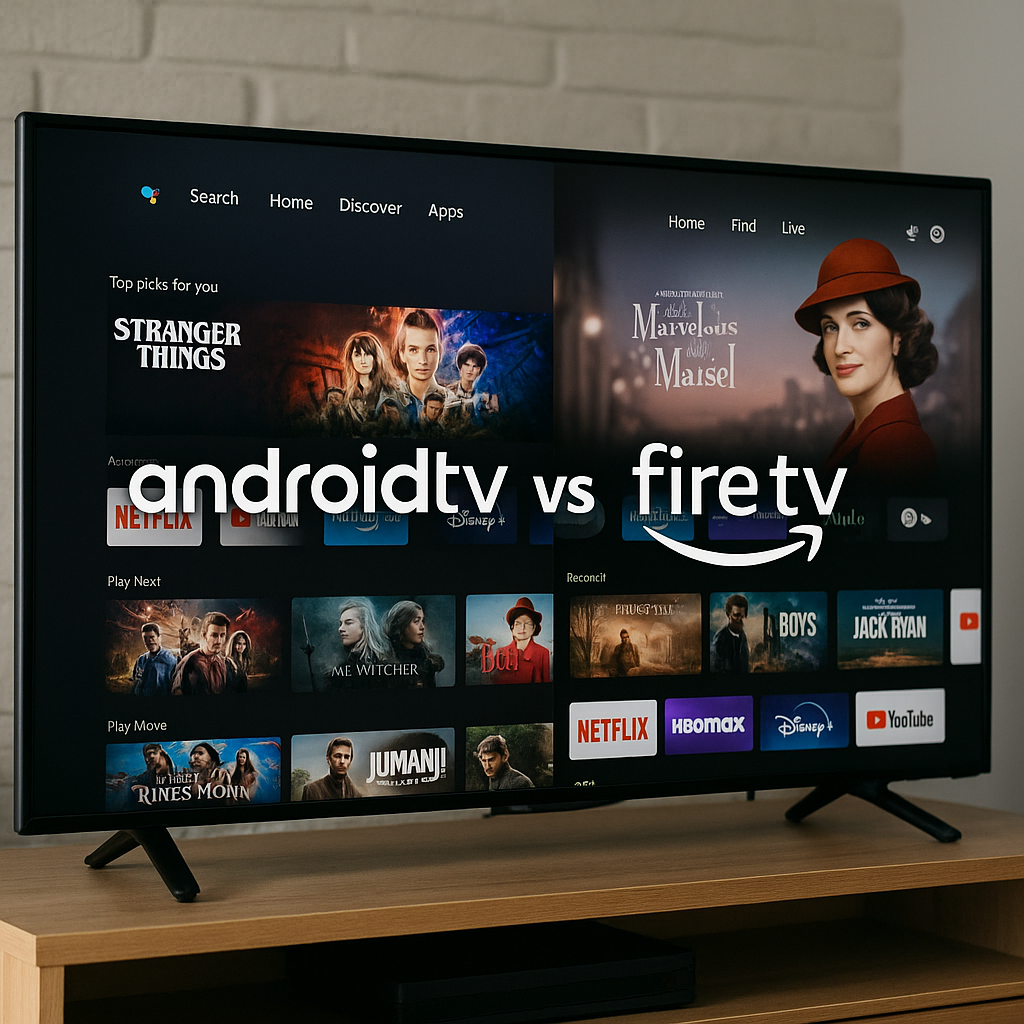
Both Android TV (including Google TV) and Amazon Fire TV (Firestick) have seen significant software and ecosystem updates. Google’s Android TV platform is focusing on deeper integration with Google services, improved voice control, and a growing app library via the Google Play Store. Meanwhile, Amazon Fire TV continues to prioritise its own app store, Alexa integration, and exclusive content deals.
For streaming users, these changes mean:
- App Availability: Android TV generally offers broader access to apps due to Google Play, while Fire TV may have some exclusive apps but a more limited selection in certain regions.
- Interface and Navigation: Android TV now features a more content-forward home screen, while Fire TV’s interface remains Amazon-centric, promoting Prime Video and Alexa skills.
- Performance and Updates: Both platforms have improved hardware support, but update frequency and longevity can vary by manufacturer and device model.
Android TV vs Fire TV: A Quick Comparison
| Feature | Android TV / Google TV | Amazon Fire TV / Firestick |
|---|---|---|
| App Store | Google Play Store (wide range) | Amazon Appstore (curated selection) |
| Voice Assistant | Google Assistant | Alexa |
| Interface | Content-first, personalised recommendations | Amazon Prime Video focused, Alexa integration |
| Device Variety | Multiple manufacturers (Sony, TCL, Nvidia, etc.) | Amazon devices mainly (Firestick, Fire TV Cube) |
| Update Frequency | Varies by OEM, Google updates core OS | Amazon controls updates, regular for Fire devices |
What This Means for Firestick & Android TV Users
For UK and US streaming fans, these platform differences affect daily use and long-term satisfaction. Firestick users benefit from tight Alexa integration and Amazon ecosystem perks, but may find some apps missing or delayed compared to Android TV. Android TV users enjoy a more open ecosystem with access to Google’s suite and a broader app range, but update schedules can be inconsistent depending on device maker.
Moreover, recent app crackdowns and stricter store policies on both platforms have emphasised the need to keep devices updated and configured correctly. Some apps may face removals or restrictions, which can impact streaming options. Staying informed about these changes helps you avoid disruptions.
Example: Before vs After Recent Updates
Consider a Firestick user who previously sideloaded third-party streaming apps. Recent Fire TV OS updates have tightened security, requiring more stringent permissions and reducing the ease of sideloading. Meanwhile, Android TV users might notice enhanced Google Play protections and faster app updates, improving stability but potentially limiting some unofficial apps.
What You Should Do Now
- Keep Your Device Updated: Regularly check for system updates on your Firestick or Android TV device to ensure compatibility and security.
- Review App Permissions: Verify that your installed apps have appropriate permissions and remove any that seem suspicious or unnecessary.
- Use Official App Stores: Stick to apps from Amazon Appstore or Google Play Store to reduce risks of malware or app removals.
- Consider a VPN for Privacy: A reputable VPN can help encrypt your internet traffic, safeguard your privacy from ISPs, and enhance security when streaming on public Wi-Fi.
- Manage Settings for Optimal Performance: Disable unused features, clear cache periodically, and manage storage to keep your streaming device running smoothly.
- Stay Informed: Follow streaming news sources and community forums to learn about app changes, device hacks, or new features.
Conclusion
Choosing between Android TV and Fire TV depends on your priorities: app variety, ecosystem preferences, and device options. With recent platform changes, staying proactive about updates, security, and privacy is more important than ever. Both Firestick and Android TV can deliver excellent streaming experiences when configured thoughtfully, keeping you entertained while safeguarding your digital footprint.
Whether you prefer the Alexa-powered Firestick or the Google-integrated Android TV, understanding these nuances will help you navigate the evolving streaming landscape in the UK and US with confidence.
Protect Your Streaming Privacy with IPVanish
A VPN helps protect your privacy by encrypting your connection and hiding your IP address from apps and websites. Use any VPN responsibly and within the law.
A VPN is for privacy and security — not for accessing illegal or unlicensed streams.