Can You Use an Amazon Fire TV Stick Without Internet? Key Takeaways
- Amazon Fire TV Stick requires an internet connection for most features.
- Offline use is very limited and mainly restricted to pre-downloaded content or apps that don’t need connectivity.
- Streaming apps and live TV services won’t work without internet access.
- Updates, app downloads, and account verification all require online connectivity.
- Firestick users should prioritise secure internet connections and consider VPNs for privacy.
If you’re a Firestick, Fire TV, or Android TV user in the UK or US, you might wonder: can you use your Amazon Fire TV Stick without an internet connection? Streaming devices are designed to bring online content to your living room, but what happens if your internet goes down or if you’re trying to use the device offline? This article breaks down what’s changed, what’s possible, and what it means for your streaming experience.
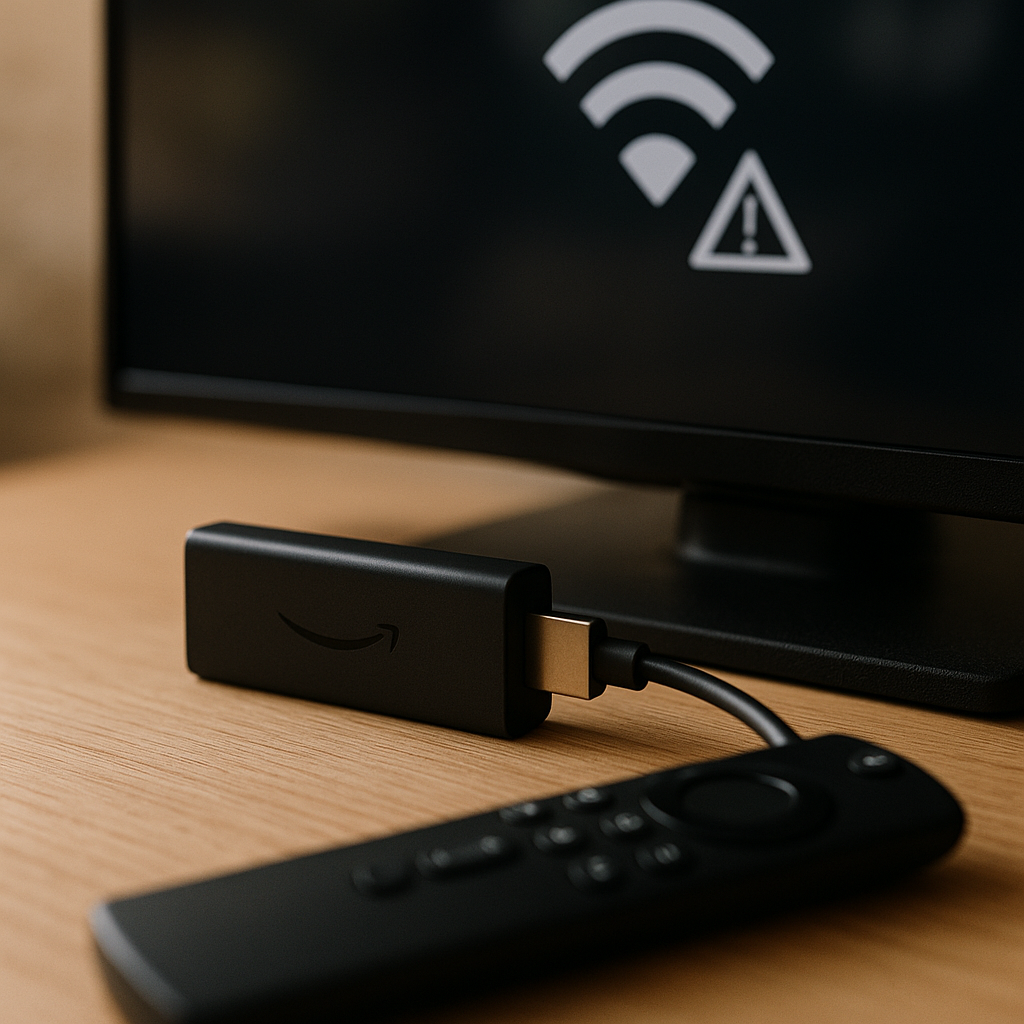
Why Internet Connectivity Is Crucial for Fire TV Stick
The Amazon Fire TV Stick is primarily an internet streaming device. Unlike traditional set-top boxes or DVD players, it relies heavily on an active internet connection for core functions:
- Accessing streaming apps: Netflix, Prime Video, Disney+, and other apps require internet to stream content.
- Downloading and updating apps: Installing new apps or receiving updates demands connectivity.
- Authentication and account syncing: Your Amazon account and app logins validate over the internet.
- Voice commands and Alexa integration: These features depend on cloud services.
Without internet, the Firestick essentially loses its main purpose. Although it powers on and displays a home screen, most apps will show errors or fail to load.
What Has Changed and Why It Matters
In the past, some users hoped to use Firestick devices offline by relying on local media apps or sideloaded content. However, Amazon’s software updates increasingly emphasise online verification and app licensing checks. This means offline use is more restricted than before. Additionally, many popular apps now require periodic online authentication to function.
For streaming users in the UK and US, this means you can’t simply rely on the Firestick as an offline media player. If your internet drops, your streaming experience will be interrupted until connectivity is restored.
What This Means for Firestick & Android TV Users
While Fire TV Stick is the most popular streaming stick, Android TV devices share similar limitations regarding offline use. Here’s what users should keep in mind:
- Offline playback is limited: Some Android TV apps support local media playback from USB drives or network-attached storage (NAS), but Firestick does not have native USB ports, limiting local media options.
- Streaming apps require internet: Both platforms need internet for streaming services, live TV, and app updates.
- Device setup needs connectivity: Initial Firestick or Android TV setup requires internet to sign in and configure apps.
- Potential for offline content: Apps like Netflix or Prime Video allow downloads on mobile apps but not on Firestick; offline viewing on Fire TV devices is generally not supported.
In essence, if your goal is to watch downloaded or offline content, Firestick is not ideal. Android TV boxes with USB ports or Plex media server setups provide more flexibility for local media playback.
Before vs After: Using Firestick With and Without Internet
| Feature | With Internet | Without Internet |
|---|---|---|
| Streaming apps (Netflix, Prime Video, etc.) | Fully functional | Unavailable or error messages |
| App downloads and updates | Available | Unavailable |
| Alexa voice commands | Works | Disabled |
| Local media playback | Limited to sideloaded apps | Possible but limited; no native USB support |
| Device setup | Required | Not possible |
What You Should Do Now: Practical Steps for Firestick Users
Given the importance of internet connectivity for Firestick and Android TV devices, here are some safe and legal recommendations to optimise your streaming experience and maintain privacy:
- Ensure a stable internet connection: Use reliable broadband or Wi-Fi to avoid interruptions.
- Keep your Firestick updated: Regularly check for software and app updates to benefit from new features and security patches.
- Manage app permissions and privacy settings: Review what apps can access and adjust settings to safeguard your data.
- Consider a reputable VPN: While a VPN won’t enable offline streaming, it can enhance your privacy and security when streaming online by encrypting your connection.
- Explore local media options cautiously: If offline media playback is a priority, consider alternative devices like Android TV boxes with USB support or media servers.
- Use official apps and services: Avoid sideloading unauthorised apps to stay within legal boundaries and ensure device security.
Conclusion
In summary, the Amazon Fire TV Stick is fundamentally an internet-dependent streaming device. Offline use is very limited and generally impractical for most users. UK and US streaming enthusiasts should focus on maintaining good internet connectivity, keeping devices updated, and using secure practices like VPNs to protect their privacy. For those seeking offline media playback, exploring other hardware options may be a better fit.
Understanding these limitations helps set realistic expectations and ensures you get the best from your streaming setup.
Recommended by Doc Squiffy
Protect Your Streaming Privacy with IPVanish
A VPN helps protect your privacy by encrypting your connection and hiding your IP address from apps and websites.
Use any VPN responsibly and within the law.
A VPN is for privacy and security — not for accessing illegal or unlicensed streams.