
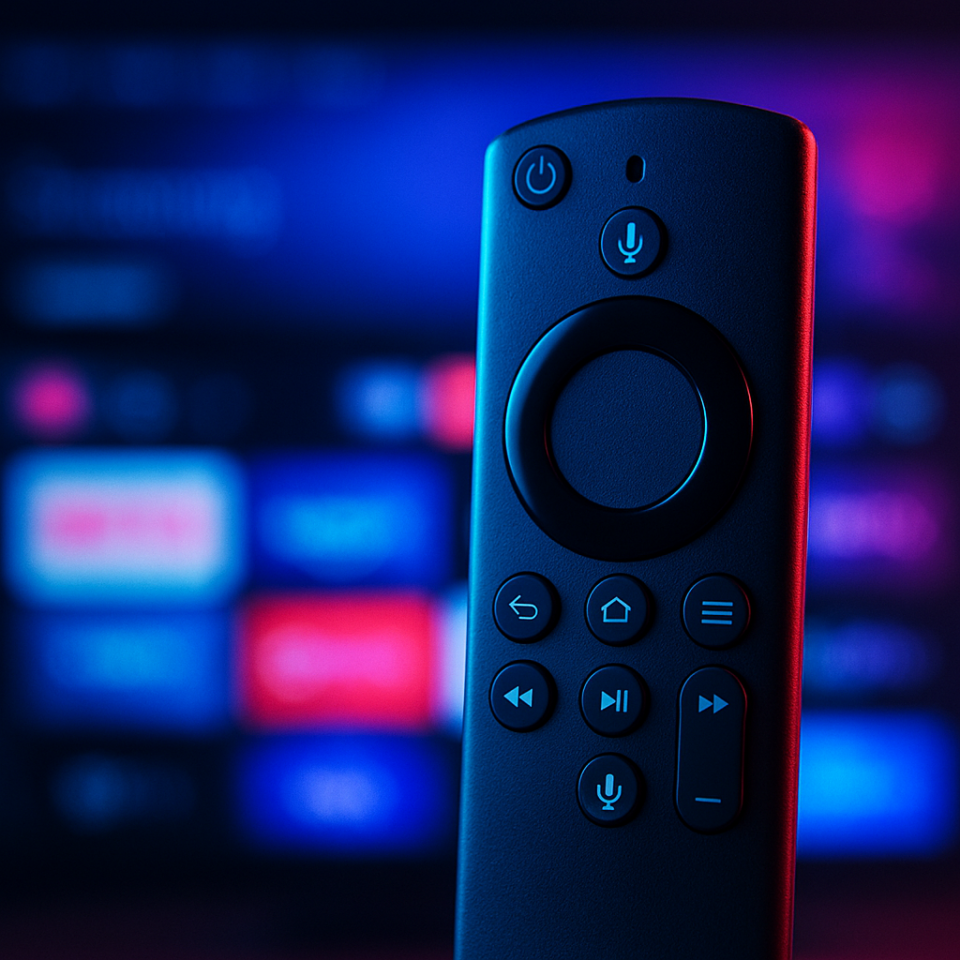
Amazon Tightens Grip: What’s Happening with Firestick Apps?
Amazon has recently taken a firm stance against third-party apps on its Firestick and Fire TV devices, blocking a range of unofficial streaming applications. This move has caused a stir among streaming enthusiasts in both the UK and US, raising questions about app availability, user experience, and privacy. If you rely on your Firestick or Android TV for diverse streaming options, understanding these changes is crucial.
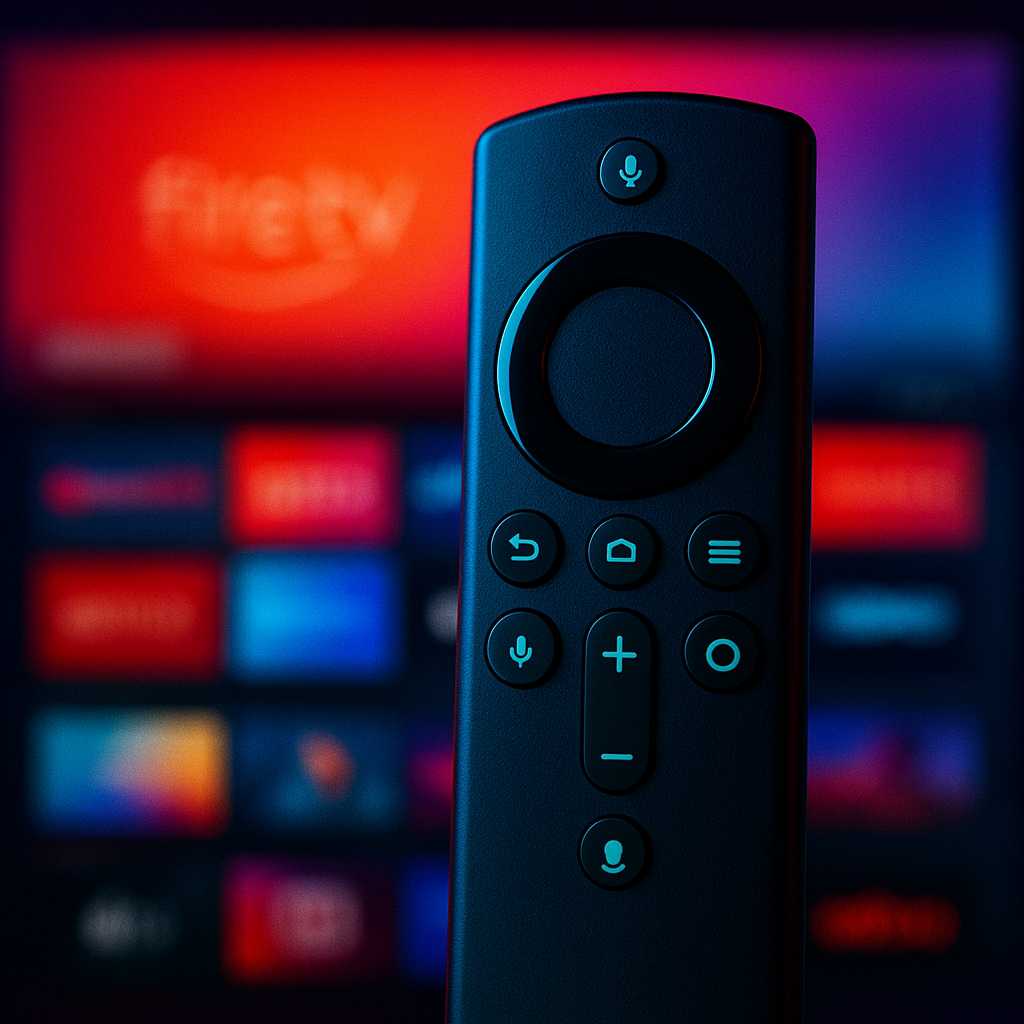
Key Takeaways
- Amazon is actively blocking multiple third-party apps on Firestick and Fire TV devices.
- This crackdown affects apps that offer unofficial or unsupported streaming content.
- Users may see apps disappear or stop functioning without warning.
- Android TV and Google TV devices are less impacted but still worth monitoring.
- Practical steps include updating your device, reviewing app sources, and enhancing privacy with VPNs.
What Has Changed and Why It Matters
Amazon’s recent move involves blocking a full list of third-party apps that are not officially supported or available in the Amazon Appstore. These apps often provide access to streaming content outside of recognised platforms, which has raised concerns for Amazon around copyright compliance and user security.
For streaming users, this means that some of the apps you may have installed manually or sideloaded could suddenly stop working or become inaccessible. This change is significant because it restricts the flexibility users have traditionally enjoyed on Firestick devices, limiting access to certain content and forcing users to rely more heavily on official channels.
While Amazon’s rationale centres on protecting copyright holders and ensuring device security, the impact is felt most by those who use their Firestick or Fire TV as a versatile streaming hub.
What This Means for Firestick & Android TV Users
Firestick and Fire TV: The crackdown is most pronounced here. Amazon controls the ecosystem tightly, and with these new blocks, users will find that many third-party streaming apps are no longer available or functional. This can disrupt your viewing habits and reduce options for accessing niche or international content.
Android TV and Google TV: These platforms remain more open, as they are not under Amazon’s direct control. While some apps might face challenges due to wider copyright enforcement, the overall ecosystem is less restrictive. This makes Android TV devices a more flexible choice for users who want to explore a broader range of streaming applications.
Comparison: Before the crackdown, Firestick users enjoyed a relatively open environment where sideloading apps was straightforward. After the change, Amazon’s restrictions mean a tighter, more controlled app environment, contrasting with Android TV’s continued openness.
What You Should Do Now
- Check for Device Updates: Ensure your Firestick or Fire TV is running the latest firmware. Updates often include security patches and can improve app compatibility.
- Review Installed Apps: Take stock of your current apps. Remove any that have stopped working or may pose security risks.
- Use Official App Sources: Stick to the Amazon Appstore or Google Play Store to reduce the risk of app blocks or security issues.
- Consider Alternative Devices: If you value app flexibility, Android TV or Google TV devices may offer a less restrictive environment.
- Enhance Privacy and Security: Using a reputable VPN can help protect your online activity from ISP tracking and improve privacy. Remember, this is about security and encryption, not bypassing content restrictions.
- Stay Informed: Streaming platforms and device policies evolve rapidly. Follow trusted news sources to keep up with changes affecting your devices.
Final Thoughts
Amazon’s crackdown on third-party apps marks a notable shift in the Firestick and Fire TV ecosystem. While it aims to protect copyright and improve security, it inevitably limits the freedom many streaming users have enjoyed. For those in the UK and US who rely on these devices, adapting means embracing official apps, considering alternative platforms, and maintaining strong privacy practices.
Ultimately, staying informed and proactive will ensure you continue to enjoy a secure and versatile streaming experience.
Protect Your Streaming Privacy with IPVanish
We recommend IPVanish VPN for protecting your streaming and everyday online privacy.
IPVanish is one of the fastest and most trusted VPNs for Firestick, Android TV, and everyday browsing. It helps keep your online activity private, protects you on public Wi-Fi, and stops your ISP from seeing what apps and services you use. Use any VPN responsibly and within the law — it is a privacy and security tool, not a way to access illegal content.
Use VPNs responsibly and within the law. A VPN is for privacy and security, not for accessing illegal content or unlicensed streams.
